Official distribution mirror · 0.8 beta

AI model colour,made printable.

Bring AI-generated OBJ and GLB models into the physical world. ChromaMatter maps their colour into four real filaments and exports adjustable 3MF projects for Snapmaker Orca.

AIモデルの色を、4本の実フィラメントで印刷できる3MFへ。

Windows 64-bitmacOS AlphaOBJ / GLB → 3MFLocal processing
ChromaMatter — AI Model Print Studio0.8 beta
ChromaMatter mapping an AI model into a Flat Four palette
4 filaments
3MF readyColour mapping complete
FULL SPECTRUM 32FLAT FOURMANUAL 3D PAINTHi3D MULTIPART β
DOWNLOADS

Choose the build that fits your test

用途に合わせて3種類から選べます。初めて使う場合はWindows Full Spectrum版がおすすめです。

EXPERIMENTAL WINDOWS

Flat Four Test 3

ChromaMatter 0.8 beta r32.2

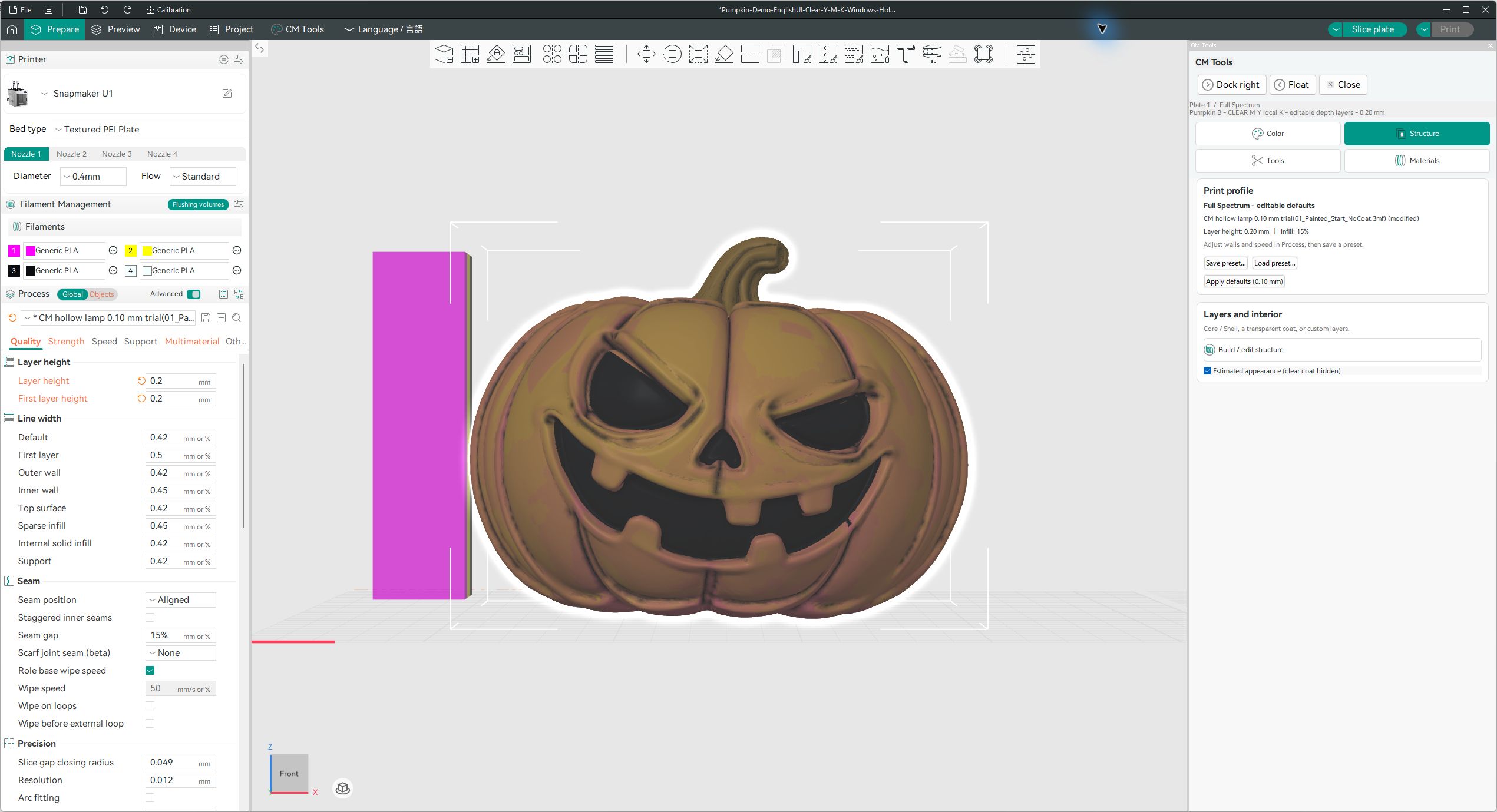
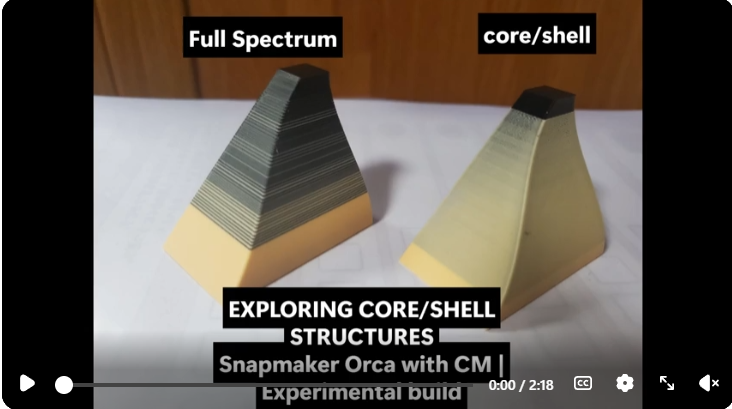
  • Full Spectrum plus simple four-filament regions
  • Topology-aware white/gray highlight correction and 2D filters
  • No DemoData; exact physical-printer validation is pending
Download Flat Four TestZIP · 110 MB
Show SHA-256C1B83936AE832EFD985951B0973143E4771B1F1FFF9C7F07ADFF9AF0EE0EB239
TESTER PREVIEW

macOS Alpha 2

Source-backed Finder .app

  • Apple Silicon (M1 or later) and macOS 15+
  • Full Spectrum and Flat Four with bundled DemoData
  • Source-backed, unsigned and unnotarized tester alpha
Download macOS AlphaZIP · 208 MB
Show SHA-256C112396513B0EA21CD867ED016E2D5282F830235E3EBF324E45E3B4FDB647989
i

This is the creator-operated official distribution mirror. Exact release bytes and SHA-256 values are preserved here while the GitHub account is under review. GitHub審査中もInnovation Fundの審査・テストを継続できるよう、同一ファイルを配布しています。

SIMPLE WORKFLOW

From model to 3MF in three steps

モデルを開いて、色を整え、3MFへ。

01

Open OBJ / GLB

AIモデルを開く

Compare reference and model colours, then propose four physical filaments.元画像とモデル色を見比べ、印刷に使う4本のフィラメントを提案します。

02

Map & refine colour

色を選ぶ・直す

Choose Full Spectrum for up to 32 states, or Flat Four for simple four-colour regions.最大32色のFull Spectrum、またはシンプルなFlat Fourを選べます。

03

Export printable 3MF

3MFを書き出す

Solidify compatible models, preserve colour assignments, and inspect the result in Snapmaker Orca.閉立体化と色割当を確認し、Snapmaker Orca等で確認できる3MFを出力します。

FEATURES FROM THE PUBLIC PROJECT

More than colour reduction.
A path to printing.

ChromaMatter links colour cleanup, real filament selection, local 3D painting, solidification, and validated 3MF export in one desktop workflow.
色の整理から実フィラメント選択、手修正、閉立体化、3MF出力までを一つにつなぎます。

Local OBJ / GLB

Process vertex-colour OBJ and supported static GLB files locally. Your model is not uploaded.頂点カラーOBJ/対応する静的GLBをローカルで処理します。

32

Full Spectrum

Build 16, 24, or 32 printable colour states from four physical filaments.4本の実フィラメントから16/24/32色を構成します。

4

Flat Four

Create broad four-colour regions with conservative highlight correction in Test 3.広い面を4色で整理し、Test 3では白/灰色ハイライトも保守的に補正します。

F

Real Filament Matching

Recommend material-specific candidates drawn from real filament products.実在する製品から、同一素材のフィラメント候補を提案します。

Manual 3D Paint

Use Brush, Airbrush, Fill, Smudge, and Eyedropper directly on the model.ブラシ、エアブラシ、塗りつぶし、なじませ、スポイトで手修正できます。

Print Calibration

Tune physical output with numbered charts and Weak Black 5–25% correction.比較チャートと「黒を弱める 5〜25%」で実機差を調整します。

Hi3D Multipart β

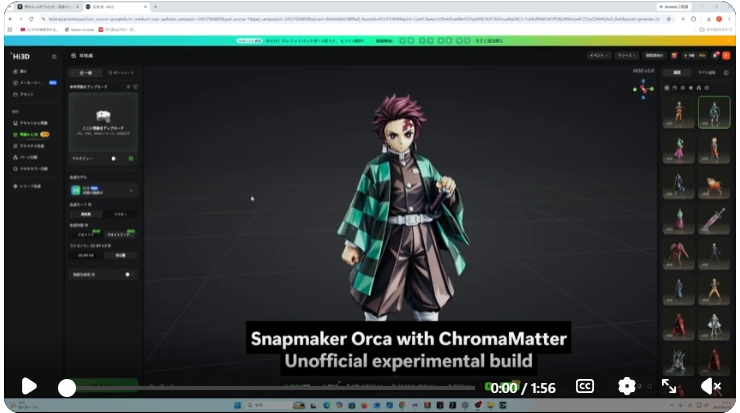
Try solidification plus combined and per-part 3MF export while preserving compatible parts.対応する分割GLBの構成を保ち、閉立体化と結合/パーツ別3MFを試せます。

Fail-Closed Export

Topology and 3MF checks stop unsafe output instead of silently forcing a broken file.問題のある3MFを強制出力せず、安全側で停止します。

IMPORTANT · 0.8 BETA

Multipart solidification is not yet reliable for every model.

The bundled DemoData is a confirmed success, but other OBJ / GLB files may fail to open, solidify, or export as per-part 3MF. This input-dependent limitation is a major reason the product remains 0.8 beta.
同梱デモは成功例ですが、別のモデルでは開けない・閉立体化できない・パーツ別3MFを出力できない場合があります。

01

Always inspect the slice previewOpen the result as a project in Snapmaker Orca and verify geometry, materials, tool order, and slicing.

02

Unofficial Hi3D beta supportLabels inside the GLB may not match the visible body regions.

03

Use Weak Black for the demoWhen regenerating from the bundled GLB, select the physical black F slot and apply 5–25% correction.